1What Is Changing and When
If you use a budgeting app, a bill tracker or a payment app that links to your bank, that app gets your account data through a connection your bank allows. In 2024, the Consumer Financial Protection Bureau (CFPB) wrote a rule that said banks had to share that data for free when you asked them to.
That rule never took effect. Banks sued, a federal court put it on hold, and the CFPB is now rewriting it. News reports say the new version could let banks charge apps for access to your data. Nothing is final yet, and the official text of the new proposal has not been made public.
Here is how the fight has played out so far.
| When | What happened |
|---|---|
| October 2024 | CFPB finalizes the open banking rule, including a ban on data fees |
| July 2025 | JPMorgan tells data companies it plans to charge for data access |
| August 2025 | CFPB reopens the rule and asks the public for comments |
| September 2025 | JPMorgan and Plaid renew their data deal with a price attached |
| October 2025 | A federal court in Kentucky puts the 2024 rule on hold |
| July 2026 | Fintech, crypto and retail groups urge the CFPB to keep the fee ban |
| August 2026 | CFPB sends its revised proposal to the White House for review |
As of September 18, 2026, we could not find the revised proposal published for public comment. Once it is, people and companies will be able to weigh in before anything is final.
The 2024 rule said banks could not charge anyone for sharing your data with an app you chose. The rewrite could end that.
2#1: What Open Banking Means for You
Open banking is a simple idea. Your account data, like your balance and past transactions, belongs to you, and you should be able to share it with an app you trust.
In the US, that right comes from Section 1033 of the Dodd-Frank Act, a 2010 law. The law gave people the right to get their own financial data. The CFPB's job is to write the detailed rules for how banks have to share it.
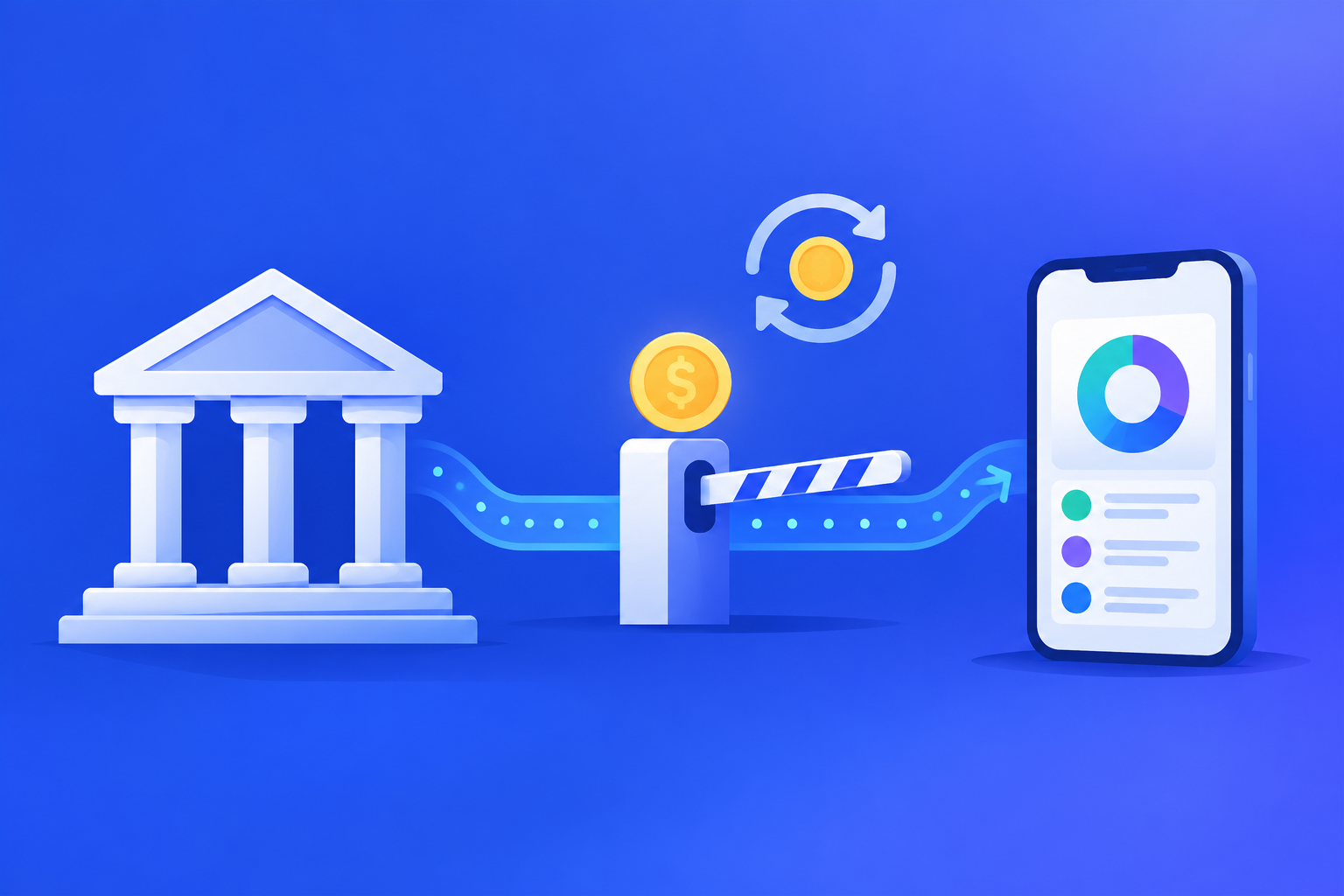
Most apps do not connect to your bank on their own. They go through a data company in the middle, such as Plaid, which links to thousands of banks. When you tap "connect your bank" in an app, it is often one of these companies doing the work.
Did you know? Many apps check your account several times a day to keep your balance and transactions up to date, even when you are not using them. Each check is a request to your bank, and those requests are what banks now want to charge for.
3#2: Why Banks Want to Charge
Banks say building and running safe data connections costs real money, and that data companies make a profit from those connections while paying nothing for them. They also point out that if an app or data company is hacked, the bank often has to deal with the fallout.
JPMorgan, the largest US bank, has been the loudest on this. In July 2025, it told data companies it would start charging them for access, with higher prices for payment-related data. In September 2025, JPMorgan and Plaid renewed their agreement with a price built in. Neither company has said how much Plaid pays.
Banks also argue that many requests are automatic refreshes, not something the customer asked for at that moment. The Kentucky court that put the 2024 rule on hold also questioned whether the CFPB had the power to ban these fees in the first place.
According to reports from June 2026, the new proposal may meet banks partway: apps would get a set number of free requests, and banks could charge once an app goes over that number.
4#3: Why Budgeting Apps Object
Fintech companies, and the groups that speak for them, see it very differently. Their main point is that the data is yours. If a bank can charge to hand over your own data, they say, the right the law gave you starts to come with a price tag.
On July 14, 2026, a group of fintech, crypto and retail trade groups, including the American Fintech Council, the Financial Technology Association and the National Retail Federation, wrote to Acting CFPB Director Russell Vought. They asked the CFPB to keep the ban on data fees and to drop any cap on how often apps can pull data.
They also worry about competition. Many budgeting and payment apps compete with the banks' own apps. If the biggest banks can set the price of data, smaller apps could have a harder time staying in business, and you could end up with fewer choices.
Note: both sides have a lot of money riding on how this turns out. Most of what you read about this topic, including the sources we used, comes from groups that represent one side or the other.
5#4: What It Could Mean for You
None of this is settled, so treat these as things to watch for, not things that will happen. If banks are allowed to charge, here is how it could reach you:
- Higher prices for some apps, or features moving from the free plan to a paid one
- Slower updates, if apps check your account less often to stay under a free limit
- Bank connections that break more often, or some banks that are harder to link
- Some smaller apps dropping certain banks, or shutting down
Slower updates matter most for bills. If your app only refreshes once a day, or less, a charge may come out before your app shows it. If you rely on a linked app to warn you before rent or a subscription comes out, that warning could arrive late.
Your bank's own app is not affected the same way, since it does not need to pay anyone for your data. But it only sees that one bank. Our look at whether your bank's subscription tracker really works covers what those built-in tools catch and what they miss.
6#5: Check Which Apps Can See Your Data
Whatever the CFPB decides, this is a good time to see who has access to your bank data. Many people have linked apps years ago and forgotten about them. Those links can keep working long after you stop opening the app.
- Open your bank's app or website and look for a list of connected or linked apps. Many large banks keep it under security or privacy settings.
- Do the same for each credit card company, since cards are often linked separately from your bank.
- If any of your apps used Plaid to connect, visit my.plaid.com, where you can see the apps linked through Plaid and remove them.
- Write down every app you find, with the date you last used it, so you can decide which ones to keep.
Example scenario: you find five apps linked to your checking account. You use two every week. One was a budgeting app you tried for a month in 2023, one was a loan app, and one you do not remember at all. The last three are the ones to look at next.
7#6: Remove Connections You No Longer Use
Every link you do not need is one more place your data can leak from. Removing old ones takes a few minutes, but deleting the app from your phone is usually not enough.
- Remove the bank link inside the app first, if you can still log in
- Then remove it from your bank's connected apps list, or from my.plaid.com
- Cancel the app's paid plan separately, since deleting the app does not stop the charge
- Ask the app to delete your data if it offers that option
Remember that a budgeting app with a paid plan is a subscription too. If an app you keep raises its price because of these fees, you will want to spot the new amount before it renews. Our guide to the best subscription tracker apps in the US compares how several apps handle bank links, pricing and privacy, if you are thinking about switching.
8#7: Keep a Bill List That Does Not Need a Bank Link
Your recurring payments do not change much from month to month. Rent, loans, insurance, phone, streaming and gym fees mostly come out on the same day for the same amount. You do not need a live bank link to know they are coming.
A list you keep yourself keeps working if a bank link breaks, an app slows its updates, or a data fee pushes an app to change. Go through a few months of statements once, write down each charge with its amount and date, and you have a list that is yours. Our guide on how to find all your automatic payments in one place shows where to look.
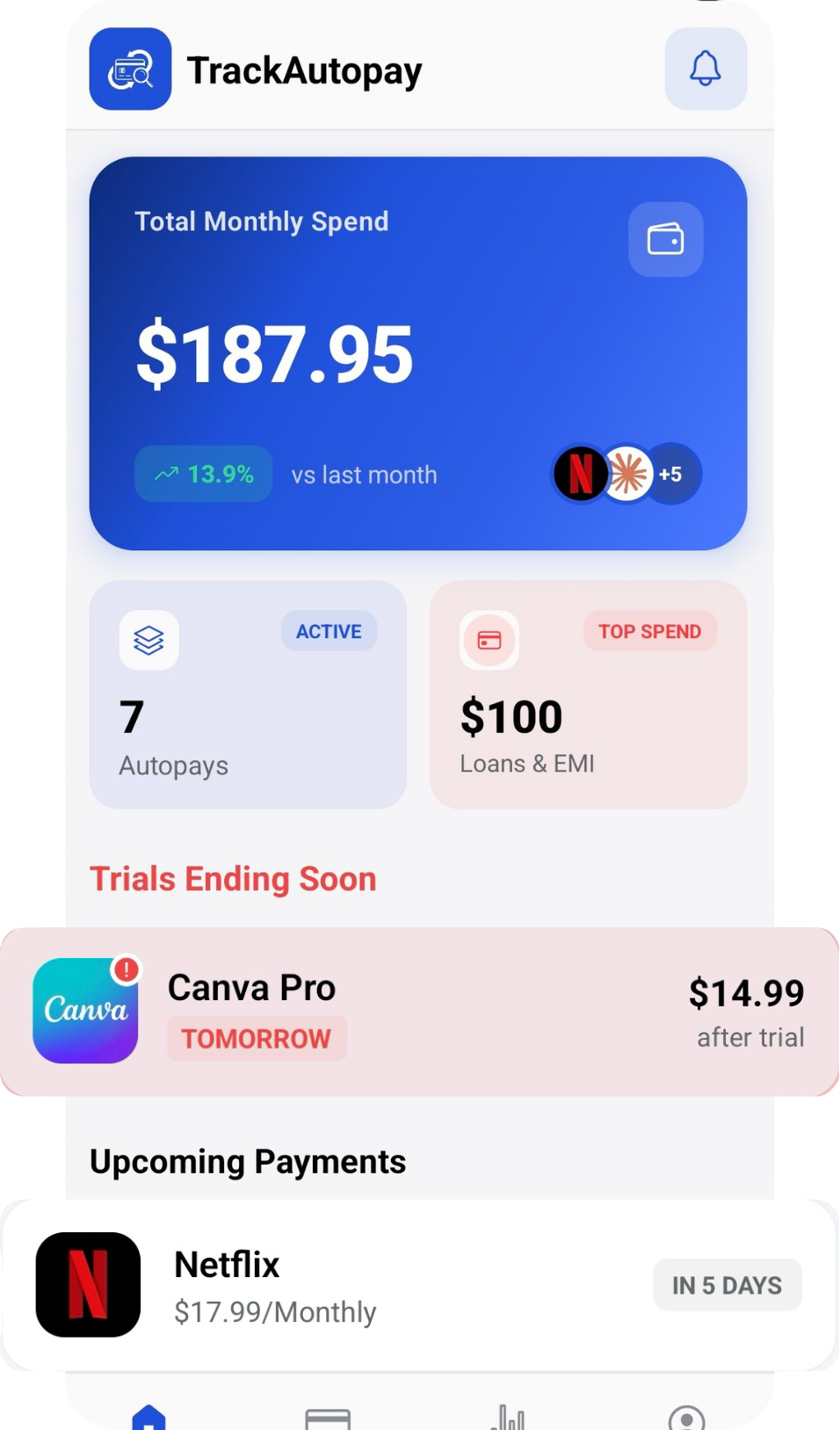
In TrackAutoPay, you can add each of those payments yourself with Manual Organization, so your list does not depend on a bank connection staying up. Smart Tracking then reminds you before each payment comes out, so you can check the amount and make sure the money is there.
Your Bills, Even When the Bank Link Breaks
Keep every recurring payment in one list you control, with a reminder before each one comes out.