1What Changed and When
Federal student loans have long come with a small reward for paying by autopay: a 0.25 point cut to your interest rate. On July 1, 2026, the Department of Education raised that cut to a full 1 percentage point.
The larger cut is temporary. It is scheduled to go back to 0.25 points on June 30, 2028. Borrowers who pay by hand were first told to sign up by September 30, 2026. In early October, the department extended that deadline to the end of the year, December 31, 2026.
If you already pay by autopay, you do not need to do anything. The department says servicers add the extra 0.75 points for you, bringing your total cut to 1 point.
| Your situation | Cut before July 1, 2026 | Cut through June 30, 2028 | What to do |
|---|---|---|---|
| Already on autopay | 0.25 points | 1 point (0.75 added) | Nothing, keep it on |
| Paying by hand | None | 1 point, once enrolled | Sign up by Dec 31, 2026 |
Before the payment pause, more than 80% of borrowers in repayment used autopay. Today, about 40% do.
That gap is the reason for the bigger cut. The department says nearly 2 million borrowers have signed up since it was announced. That still leaves many people paying by hand and paying more interest than they need to.
2#1: Who Qualifies
The cut is for federal student loans that are in repayment and paid through a federal loan servicer. Private student loans are not part of it. Some private lenders have their own autopay discount, but they set the size and rules themselves.
- Borrowers already on autopay get the full 1 point with no extra steps
- Borrowers paying by hand get it once their autopay is set up, if they sign up by December 31, 2026
- Borrowers in the new Repayment Assistance Plan (RAP) or the new Tiered Standard plan, both available since July 1, 2026, can use it too
- Borrowers in default must first bring their loans back into good standing, for example through consolidation, and pick a repayment plan before autopay is an option
Note: the cut only applies while automatic payments are actually going out. If your loans are in forbearance or deferment, there are no payments, so there is no cut during that time.
3#2: How Much It Actually Saves
Federal student loan interest builds up a little every day. A lower rate means a little less builds up each day, and more of each payment goes toward what you owe instead of toward interest.
Example scenario: say you owe $30,000 at a 6% rate. The table below shows the yearly and daily interest at each rate, as if the balance stayed at $30,000 all year.
| Rate | When it applies | Interest per year | Interest per day |
|---|---|---|---|
| 6.00% | Paying by hand | $1,800 | About $4.93 |
| 5.75% | Old 0.25 point autopay cut | $1,725 | About $4.73 |
| 5.00% | New 1 point autopay cut | $1,500 | About $4.11 |
If you pay by hand today, turning on autopay saves about $300 a year in this example. If you were already on autopay, the extra 0.75 points saves about $225 a year. If your autopay is running by January 2027 and stays on until June 30, 2028, the 18 months of savings come to roughly $450.
Real savings will be a bit lower, because your balance goes down as you pay. They also depend on your own rate and balance, so run the same math with your numbers: balance times 1%, divided by 12, gives a rough monthly figure.
Did you know? Depending on your plan, your monthly bill may not change at all. The saving shows up as less interest each month, so more of the same payment goes toward the balance.
4#3: How to Turn On Autopay
Setting it up takes a few minutes, but it can take a while for the first automatic payment to start. Do it well before December 31, not in the last week of the year.
- Log in to StudentAid.gov and check which company services your loans. It is listed on your account dashboard.
- Log in to that servicer's website or app and look for auto pay, sometimes called automatic debit. StudentAid.gov also has an auto pay request that is sent on to your servicer.
- Enter the bank account you want the payment taken from, and make sure it covers all your federal loans with that servicer.
- Check the due date the payment will be taken on. If it does not suit your pay schedule, see the next section before you finish.
- Keep paying by hand until your servicer confirms autopay is active, so you do not miss a payment while it is being set up.
- When the first automatic payment goes through, check your loan details to confirm the lower rate is showing.
Save the confirmation email or a screenshot of the page. If a question ever comes up about when you enrolled, you will want proof that it was before the deadline.
5#4: Line Up the Draft Date With Payday
Autopay takes the payment on your due date whether or not your paycheck has landed. If you are paid on the 15th and your loan is due on the 1st, the payment comes out at the end of your pay cycle, when your balance is usually at its lowest.
Many servicers let you ask for a different due date. A date a few days after payday gives the money time to clear first. Rent, a car payment and phone bills often come out of the same account in the same week, so look at all of them together, not just the loan.
Example scenario: your paycheck lands on the 1st and the 15th. Rent comes out on the 1st, your car loan on the 3rd, and your student loan on the 28th. Moving the student loan to the 17th puts it right after a paycheck instead of right before one.
6#5: If the Account Is Short
If there is not enough money in the account when the payment is taken, your bank has two choices. It can pay it anyway and charge an overdraft fee, or send it back unpaid and charge a returned payment fee, often called an NSF fee. Either way, you pay a fee to your bank.
If the payment is sent back, your loan payment is still due. Pay it by hand through your servicer as soon as you can. Federal loan servicers generally report a payment to the credit bureaus once it is 90 days late, so a quick fix matters. Our guide on what happens when an autopay payment gets declined walks through the steps.
Returned payments can also cost you the rate cut. Servicers set their own rules for how many returned payments they allow before they turn autopay off. Once autopay is off, the 1 point cut stops. Read your servicer's auto pay terms so you know where that line is.
To lower the risk, turn on a low balance alert in your bank app, and keep a small cushion in the account the payment comes from. If you are worried about how a late loan payment shows up on your credit report, see whether a missed autopay payment hurts your credit score.
7#6: What Ends the Discount Early
To keep the lower rate through June 2028, autopay has to stay on and payments have to keep going out. These are the common ways people lose it without meaning to:
- Turning autopay off to pay one month by hand, or to skip a tight month
- Moving into forbearance or deferment, which stops payments and ends the cut
- Closing or changing the bank account the payment comes from without telling your servicer
- Several payments in a row sent back for lack of funds, if your servicer then removes autopay
It is not yet clear whether someone who turns autopay off after December 31, 2026 can get the full 1 point back by turning it on again. Until the department says otherwise, the safest choice is to leave it on.
If you plan to switch banks, add the new account with your servicer first, and only close the old one after a payment has come out of the new one. Our guide on moving every autopay before you switch banks covers the order to do it in.
Also mark June 30, 2028 on your calendar. That is when the cut is scheduled to drop back to 0.25 points, and your interest will go up a little from then on.
8#7: Track It With Your Other Bills
A student loan payment is often one of the largest bills that comes out each month. Once it is on autopay, it is also one of the easiest to forget about, right up until the account is short.
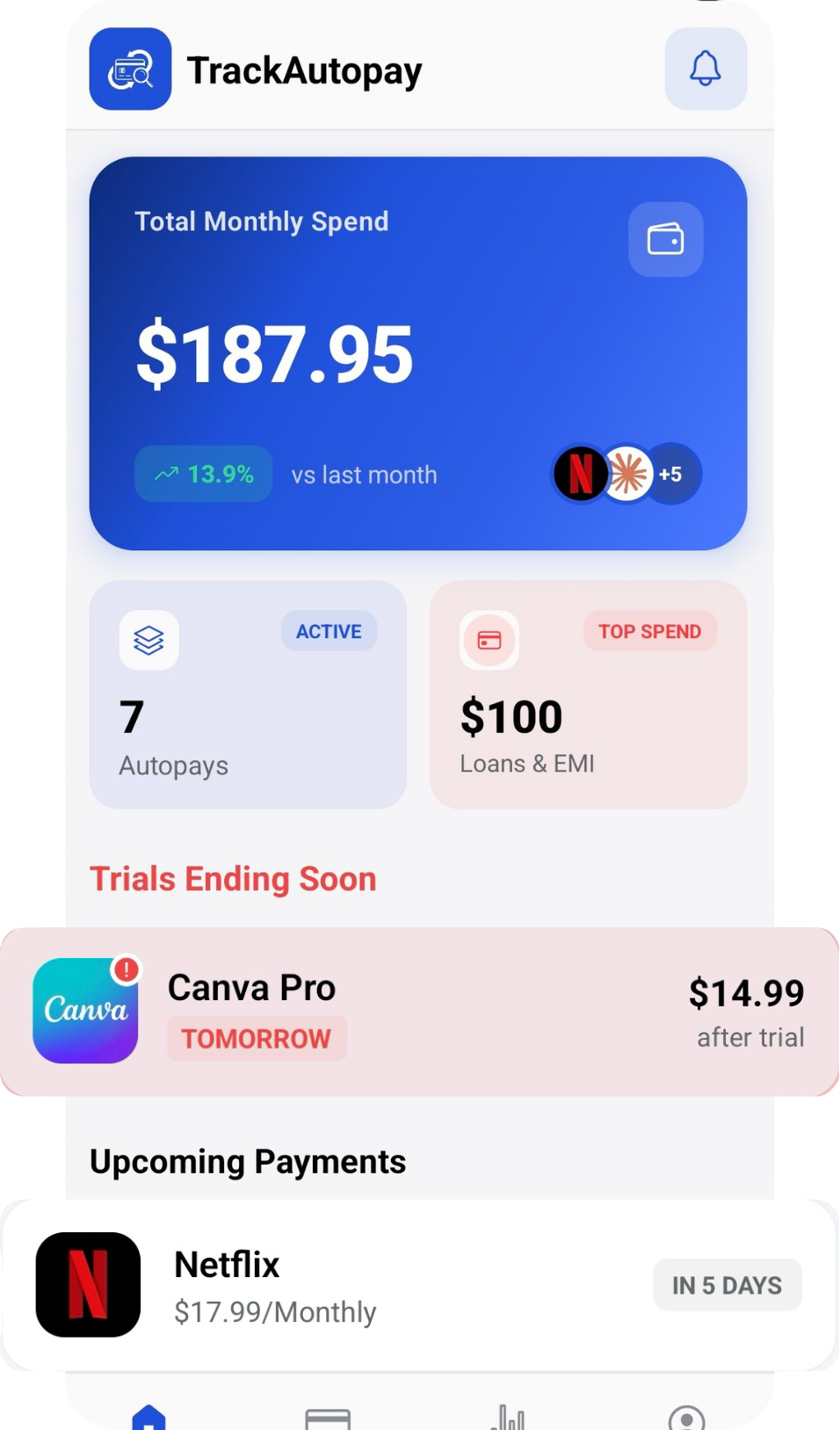
Add it to TrackAutoPay next to your rent, car payment and subscriptions, with its amount and draft date. Manual Organization lets you note the due date you picked and the June 2028 end date, and Smart Tracking reminds you before each payment, so you can top up the account before the draft instead of finding out after.
Keep the Rate Cut, Skip the Fees
See your student loan draft alongside every other recurring bill, with a reminder before each payment comes out.