1What Is Changing and When
Disney announced new prices for Disney+ and Hulu in the US in late September 2026. Anyone who signed up on or after September 23 has paid the new prices from day one. If you were already a subscriber, your turn comes next.
Disney says existing subscribers will see the higher price in their billing cycle on or after October 21, 2026. Because most people pay on autopay, the new amount will simply be taken from your card unless you change something first.
Variety reports this is the fourth price increase in four years. That is a good reason to look at what you pay now, while you still have a few days to change plans.
2#1: The New Monthly Prices
The biggest jump is on the plans without ads. Disney+ Premium and Hulu Premium each go up by $2.50 a month, from $18.99 to $21.49. The plans with ads each go up by 50 cents, from $11.99 to $12.49.
The bundles move differently. The Disney+ and Hulu bundle with ads stays at $12.99. The bundle without ads rises to $21.99 a month.
| Plan | New monthly price | Change |
|---|---|---|
| Disney+ Premium (no ads) | $21.49 | Up $2.50 |
| Hulu Premium (no ads) | $21.49 | Up $2.50 |
| Disney+ with ads | $12.49 | Up $0.50 |
| Hulu with ads | $12.49 | Up $0.50 |
| Disney+ and Hulu bundle with ads | $12.99 | No change |
| Disney+ and Hulu bundle, no ads | $21.99 | Price rises |
Note: these are the standard US monthly prices paid directly to Disney. If you pay yearly, or through another company, your price-change email is the place to check what your next charge will be.
3#2: When It Hits Your Bill
October 21 is not the day everyone gets charged more. It is the first day a billing cycle can start at the new price. Your own date depends on when your plan renews each month.
Example scenario: if your Disney+ renews on the 5th of each month, your October 5 payment will still be at the old price, and your first higher charge would land on November 5. If it renews on the 25th, the higher charge could land as soon as October 25.
The Hulu subscriber agreement says customers get advance notice of price changes. Search your inbox for a price-change email from Disney+ or Hulu, including the promotions and spam folders. It should tell you the exact date your bill changes, and that date is the deadline for everything below.
4#3: Move to a Plan With Ads
If you pay for Disney+ Premium or Hulu Premium on its own, the plan with ads is now $9 a month cheaper: $12.49 against $21.49. Over a year, that is $108 for one service.
The trade is ads, and possibly some features. Plans without ads have often included extras such as downloads or more screens at once. Before you switch, compare what each plan includes in your account settings, so you do not lose something you use every week.
Also check when a plan change takes effect. Some changes apply right away and some wait until your next billing date. The screen where you confirm the switch should say which.
5#4: Check the Bundle First
This is where the new prices get odd. With ads, the bundle costs $12.99. One service with ads costs $12.49. So for 50 cents more a month, you get both.
The same is true without ads. The ad-free bundle is $21.99, only 50 cents more than Disney+ Premium or Hulu Premium alone at $21.49.
After the increase, the Disney+ and Hulu bundle costs just 50 cents a month more than either service on its own.
Example scenario: a household paying for Disney+ Premium and Hulu Premium as two separate subscriptions would pay $42.98 a month at the new prices. The ad-free bundle covers both for $21.99, a saving of $20.99 a month.
If you pay for both services today on separate bills, this is the first thing to check. Make sure the bundle includes the features you rely on, then switch before your renewal date so the cheaper amount is what autopay takes.
6#5: Pause or Cancel Before Renewal
If you have not watched much lately, the cheapest plan is no plan. Cancel before your first billing date on or after October 21, and the new price is never charged.
You can usually keep watching until the end of the period you already paid for. Check the end date shown when you cancel, and save the confirmation email. If your account page offers a pause option instead, that can work for a break of a few weeks, but note the date billing restarts.
Coming back later is always possible, but you will pay whatever the price is then. Our checklist for cancelling subscriptions before they renew walks through the steps so a cancelled plan actually stays cancelled.
7#6: Billed by Apple, Roku or a Carrier
Many people do not pay Disney directly. They signed up through Apple, Google Play, Roku, Amazon, or a phone or internet provider. Disney says pricing through these third-party billing providers may vary.
That means the prices above may not match your bill. It also means the change, the cancellation, and the renewal date all live with that provider, not in your Disney+ or Hulu account.
Look at your last statement and find who the charge actually comes from. If it says Apple, check the subscriptions list in your Apple account. If it is part of a phone or internet plan, check that bill or call the provider. A streaming plan included in a phone plan can also change when the phone plan changes, so it is worth asking.
8#7: Catch the Next Increase Early
Price increases work because autopay keeps going. A $2.50 rise is easy to miss on a card statement, and it repeats every month after that. Four increases in four years add up the same way.
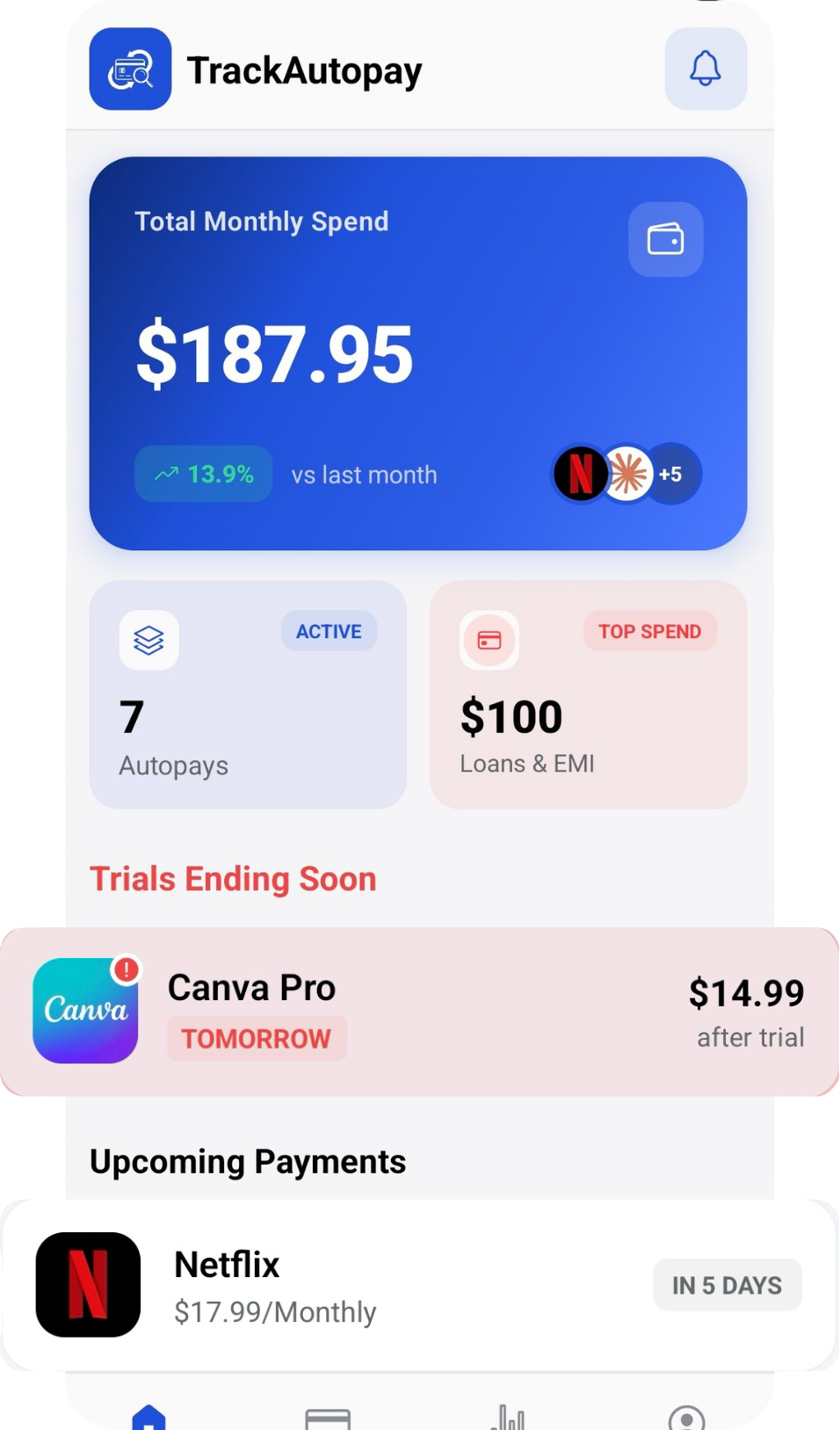
The fix is to know what each subscription should cost and when it renews. Add Disney+, Hulu and the rest of your streaming plans to TrackAutoPay with their current price and billing date. Smart Tracking reminds you before each renewal, and Manual Organization lets you update the amount the day a price-change email arrives, so a higher charge never surprises you. Our guide on catching a subscription price increase before it bills you covers the wider habit, and if you pay any plans yearly, see how to track annual renewal dates.
Know Your Renewal Date Before the New Price Does
Keep every streaming plan, its price and its billing date in one list, with a reminder before each charge.