2#1: Free Trials That Converted to Paid
Free trials are the number one source of hidden subscriptions. The pattern is simple: a service offers 7 or 14 days free, you enter your card details or set up a UPI mandate to try it out, and then life gets busy. The trial ends, the paid subscription begins, and you never notice the charge because it is small enough to blend into your statement.
Example scenario: You sign up for a meditation app offering a 7-day free trial during a stressful week. You use it twice, forget about it, and the app starts billing ₹599 per month. Six months later, you have spent ₹3,594 on an app you opened twice.
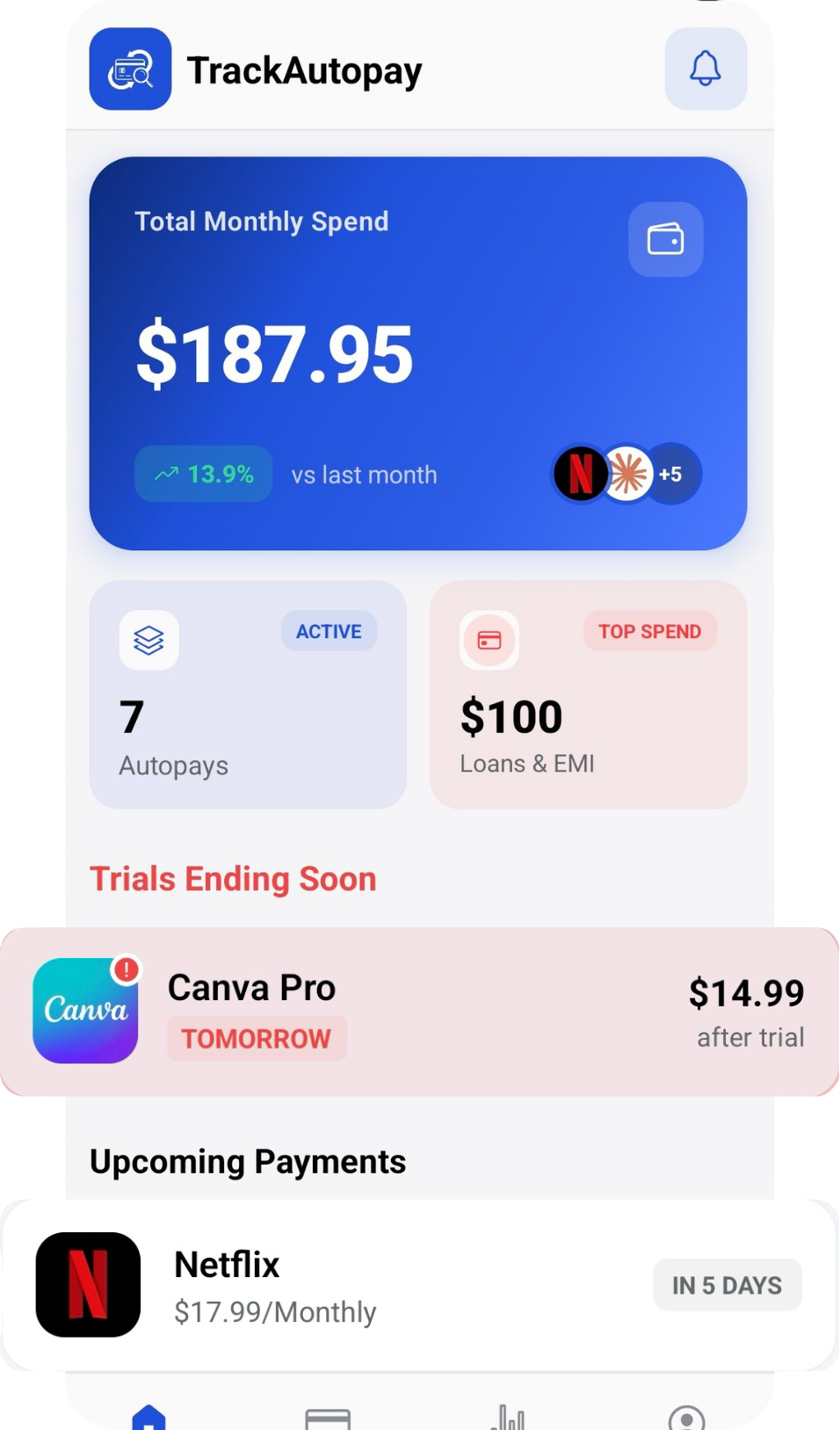
Quick tip: Set a calendar reminder for one day before every free trial ends. Better yet, log the trial in TrackAutoPay the moment you sign up so it appears on your dashboard with a renewal alert.
3#2: Annual Plans You Forgot About
Annual subscriptions are tricky because you only see the charge once a year. By the time renewal hits, you have completely forgotten you signed up. Unlike monthly charges that at least show up regularly on your statement, annual charges disappear from your memory entirely between billing cycles.
Example scenario: You purchased an annual plan for a premium email service at ₹2,999 per year. You switched to a different provider three months later but never cancelled the original. The next year, another ₹2,999 gets deducted and you only notice it when reviewing your credit card statement weeks later.
Quick tip: Search your email for keywords like "annual renewal", "yearly subscription", and "payment receipt" to surface annual charges you may have forgotten about.
4#3: In-App Recurring Purchases
Many mobile apps offer premium features through in-app subscriptions that bill through Apple App Store or Google Play Store. These charges are particularly sneaky because they do not appear on your bank statement as the app name. Instead, they show up as generic charges from Apple or Google, making them harder to identify.
Example scenario: You subscribed to a photo editing app's premium tier for ₹199 per month directly through the Play Store. You deleted the app months ago, but deleting an app does not cancel its subscription. The charges continue until you manually cancel through your Play Store subscription settings.
Quick tip: Check your App Store or Play Store subscription page right now. Go to Settings > Subscriptions on iOS, or Google Play > Payments & subscriptions on Android. You may be surprised by what you find.
5#4: Duplicate Streaming or Cloud Services
It is surprisingly common to pay for two services that do the same thing. Maybe you subscribed to both Google One and iCloud for cloud storage. Or you have Netflix and Amazon Prime Video and Disney+ Hotstar, but you only actively use one of them. Duplicate services add up quickly because each one feels affordable on its own.
Example scenario: You have both Spotify Premium at ₹119 per month and YouTube Music Premium at ₹129 per month. You signed up for YouTube Music when it launched with a trial offer and never went back to cancel it. That is ₹1,548 per year for a music service you never open.
Quick tip: List every streaming and cloud service you pay for. If two services serve the same purpose, keep the one you use more and cancel the other immediately.
6#5: Old Gym or Fitness App Memberships
Gym memberships and fitness app subscriptions are among the most commonly forgotten recurring charges. The initial motivation fades, but the billing does not. Physical gyms are especially notorious for making cancellation difficult, often requiring in-person visits or written notices during specific windows.
Example scenario: You joined a local gym chain at ₹1,500 per month during a New Year resolution. By March, you stopped going. By December, you have paid ₹13,500 for a membership you used for two months. The gym's cancellation policy requires a 30-day written notice, so even when you do cancel, you pay for one more month.
Quick tip: Check your bank statements for recurring charges to fitness brands. If you have not visited the gym or opened the fitness app in 30 days, it is time to cancel.
7#6: SaaS Tools from Past Projects
If you are a freelancer, creator, or small business owner, you have probably signed up for various software-as-a-service tools for specific projects. Design tools, project management platforms, scheduling apps, analytics dashboards - each one made sense at the time. But when the project ended, the subscription did not.
Example scenario: You subscribed to a premium project management tool at ₹800 per month for a client project that lasted three months. The project ended six months ago, but the tool is still billing your credit card. That is ₹4,800 spent on software nobody is using.
Quick tip: At the end of every project, do a subscription cleanup. List every tool you used for that project and cancel anything that is no longer needed.